Before you start
Take the robot out and switch it off before touching the filter, propeller or charging port. Every step here comes from Aiper's manuals and troubleshooting articles, checked on October 22, 2026, and none needs tools.
- Power near water. The Scuba X1 manual says to use a grounding-type outlet and never an extension cord, keep outlets at least 6 feet (1.8 m) from the pool and charge the robot 11.5 ft (3.5 m) from the water. No grounded outlet that far away? Hire a licensed electrician.
- Don't open it. Aiper's motor jam article says opening the sealed motor housing voids the warranty, and the warranty policy excludes third-party repairs.
Call Aiper instead if the robot shows a high-temperature alert while charging (N1 battery article), if a Seagull Pro flashes red with a rapid alarm, which its manual links to electrical leakage, or if there's water inside the housing.
Check recalls too. In March 2025 the CPSC recalled the Seagull Pro ZT6001 with serials starting with 61 for overheating while charging, and owners get a free Scuba S1 (Aiper recall page). The Elite Pro GS100 was recalled in August 2023.
Symptoms, causes and fixes at a glance
Find your symptom and go to support only when the last column applies. Each one links to its step below.
| Symptom | Likely cause | Aiper fix | Call support |
|---|---|---|---|
| Won't turn on | Flat battery, or battery too hot or cold (X1 manual, page 26) | Charge until the adapter light is solid green, run it between 50°F and 104°F, hold power for 10 seconds | Charger light stays off with the plug seated |
| Won't charge | Faulty cord or adapter, wet or dirty contacts, temperature lockout, battery drained in storage (X1 manual, S1 and S3 articles) | Try another cord, dry and clean the contacts, charge between 50°F and 104°F | After long storage with an empty battery |
| Flashing red light | Jammed propeller or a stuck robot (X1 manual, pages 25 and 27) | Switch off, clear the propeller | Red keeps coming back after a reset (Seagull Pro article) |
| Solid red, stops early | Battery below 15% (X1 manual, page 25) | Charge fully before the next run | Runtime stays below half of new (S3 article) |
| Tilts or cleans poorly | Full or clogged filter (X1 manual, page 27) | Empty the filter box, rinse the filter with a high-pressure water gun | Not covered in the manual |
| Drives in circles | Debris on the drives, dirty sensors (S1 and S3 articles) | Clear the wheels, reset, change the entry point | Powers on but the wheels don't move (S1 article) |
| Stuck on a ladder or drain | Ladder gap, raised drain cover, open drain (S1 article, X1 manual) | Exclusion zone, Obstacle Avoidance, keep the drain closed | Not covered in the manual |
| Offline or won't pair | 5 GHz network, or a 2024 S1 with no app support (S1 article) | Use 2.4 GHz, re-enter Network Setup Mode | Not covered in the manual |
| Won't turn off | Short press or a locked controller (S1 article) | Hold the power button a full 10 seconds | Water inside the housing |
Step 1: It won't turn on
Charge it first. Aiper's S1 article names a flat battery as the top cause, most often after storage.
- Charge until the adapter light is solid green. A drained battery may need 15–20 minutes before the button responds (N1 battery article).
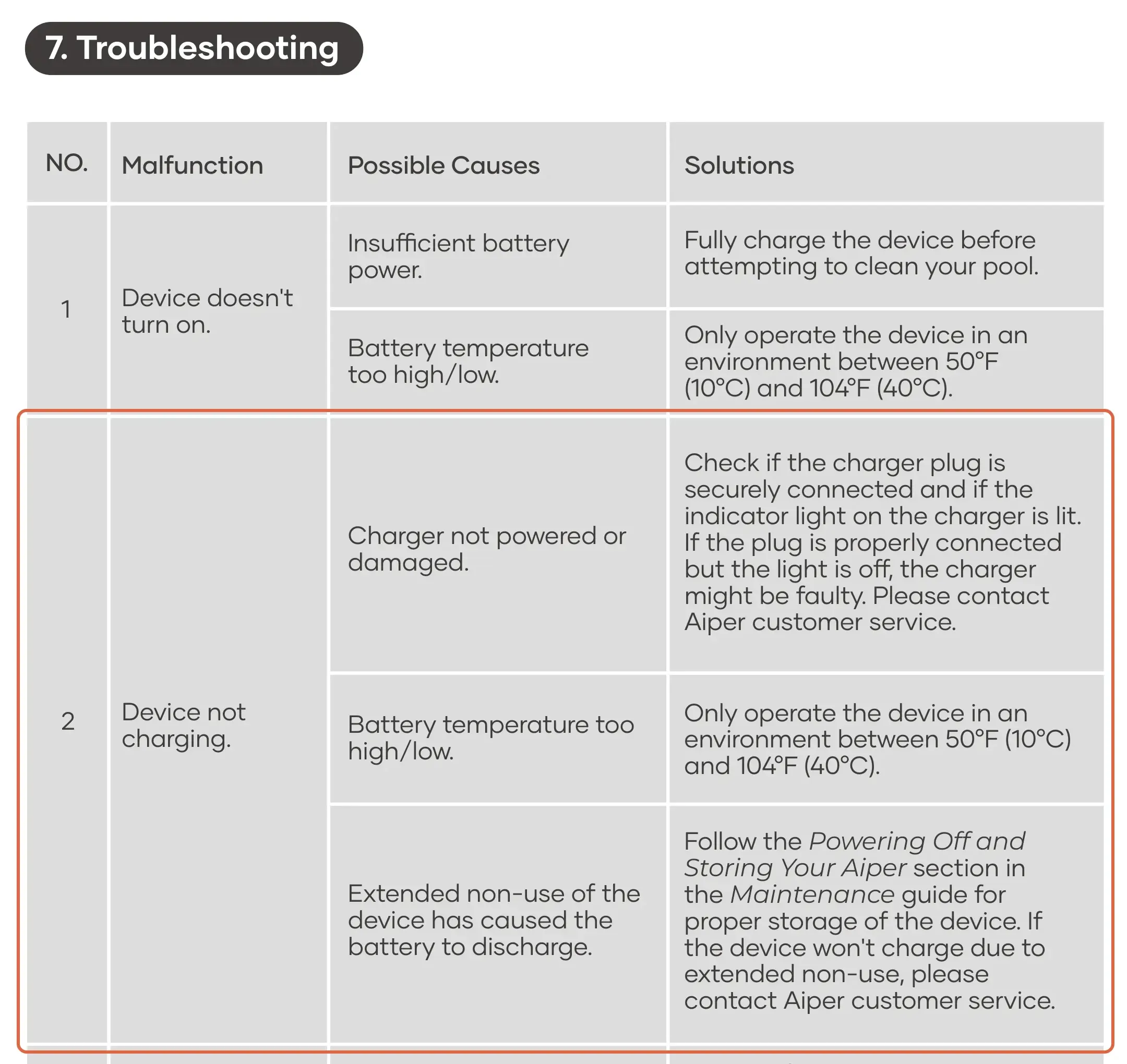
- Run it only between 50°F (10°C) and 104°F (40°C), per the X1 troubleshooting table.
- Hold the power button for 10 seconds to reset the controller (S1 article).
- Put it in the water right away. The N1 manual says it shuts down if it isn't in the pool within 1 minute of starting.
If the charger's own light stays off, the X1 manual says the charger may be faulty. Contact Aiper, since adapters have their own 6-month warranty.
Step 2: It won't charge
The X1 manual's three causes are the charger, the battery temperature and long storage.
- Charger. If the adapter light stays green or off once connected, Aiper's S1 charging article says to try another compatible cord or adapter, because "a cord fault is the most common cause." For the N1, Aiper says to clean the pins with isopropyl alcohol on a cotton swab.
- Port. Dry it with the robot off, and never put a wet robot on the dock (X1 manual). The Seagull Pro manual says to remove the silicone plug and wipe the port, and that a robot left switched on can't recharge.
- Temperature. The S3 charging article says the battery won't accept a charge below 50°F (10°C) or above 104°F (40°C).
- Long storage. The same article says an over-discharged battery "cannot be recovered at home." Contact Aiper support for a replacement battery.
A full charge takes 4 hours on the X1 (manual) and 5 on the V3 (V3 battery article). Don't unplug early: the SE wall article says a partial charge runs the motor at reduced power, which can leave the robot stuck at a wall.
Step 3: Red light, or it stops mid-cycle
On the Scuba X1, flashing red while cleaning means a jammed propeller or a stuck robot. Page 25 of the manual has the full chart:
| Light | What it means |
|---|---|
| Pulsing red, blue or green while charging | Battery below 15%, at 15–50% or above 50% |
| Solid green while charging | Fully charged |
| Flashing red while cleaning | Propeller jammed or robot stuck |
| Solid red while cleaning | Battery below 15%, the robot will shut off soon |
| Solid blue or green while cleaning | Battery at 15–50% or above 50% |
| Pulsing yellow | Resetting after a 10-second button hold, or a software update |
| Wi-Fi light flashing green | Not connecting, follow the steps in the app |
To clear a jam, switch the robot off, remove the drain cover, then the propeller cover, and take out any debris tangled in the propeller (X1 manual). Refit both covers in reverse order, charge fully and reset. If red returns, Aiper's Seagull Pro lights article says the drive or battery needs service: open a warranty ticket with the serial number and a short video of the light.
On the N1, rapid red flashing means a blocked filter basket, a stalled motor or electrical leakage, per its manual. With a possible leak, switch it off and contact Aiper. A cycle that ends early without red probably means low battery, per the X1 manual, and the X1 then parks at the pool edge.
Step 4: It cleans poorly, spins or gets stuck
Start with the filter. A robot that tilts or picks up less has a full or clogged filter, per the X1 manual: empty the box and rinse the filter with a high-pressure water gun. The S1 cleaning article adds that a torn 180 µm mesh lets debris through.
- Circles. On an S1, clear the drives and check that both wheels spin by hand with the same light resistance. Then charge fully and hold the button 10 seconds to reset path planning (S1 article). On an S3 that repeats one path, wipe its ToF sensors, use a new entry point or switch to Random Mode (S3 article).
- Ladders and drains. Ladders are the most reported S1 trap. Aiper suggests an exclusion zone in the app, Obstacle Avoidance or lowering the water 2–3 inches, and warns that a drain cover raised more than 1 inch can beach the robot (S1 article). Keep the pool drain closed while it cleans (X1 manual).
- Waterline. An X1 pausing in Waterline Mode is fine. It sinks within 1 minute and carries on, per the manual.
- Walls and corners. The Scuba SE needs a 90-degree wall to detect and reverse. In a corner, give its escape routine 30 seconds before lifting it out (SE article).
- Obstacles. An X1 that doesn't avoid obstacles has a dirty sensor lens. Wipe it with a soft, dry cloth.
An S1 that powers on but won't move with clear wheels has a drive fault. The S1 article says to open a warranty ticket with the serial number and a video of it powering on.
Step 5: App, Wi-Fi, reset and the power button
Offline underwater is normal. The S1 drops Wi-Fi in the water, runs its stored program and reconnects at the waterline, waiting there up to 10 minutes (S1 app article).
- Can't connect. The S1 needs 2.4 GHz Wi-Fi, and only the 2025 S1 works with the app (S1 Wi-Fi article). The X1 takes 2.4 GHz or mixed 2.4/5 GHz, and a 5-second press puts it back in Network Setup Mode.
- Reset. A 10-second hold restores factory settings on the X1, with the light pulsing yellow.
- Won't turn off. Hold the button a full 10 seconds, not a tap. If the light stays on, check for water inside the housing (S1 article).
- No app at all. The Scuba SE and Seagull SE list no app connection, and the N1 manual has no app section, although Aiper's N1 article describes one. The Seagull Pro sets its mode with a dial on the robot.
Step 6: File an Aiper warranty claim
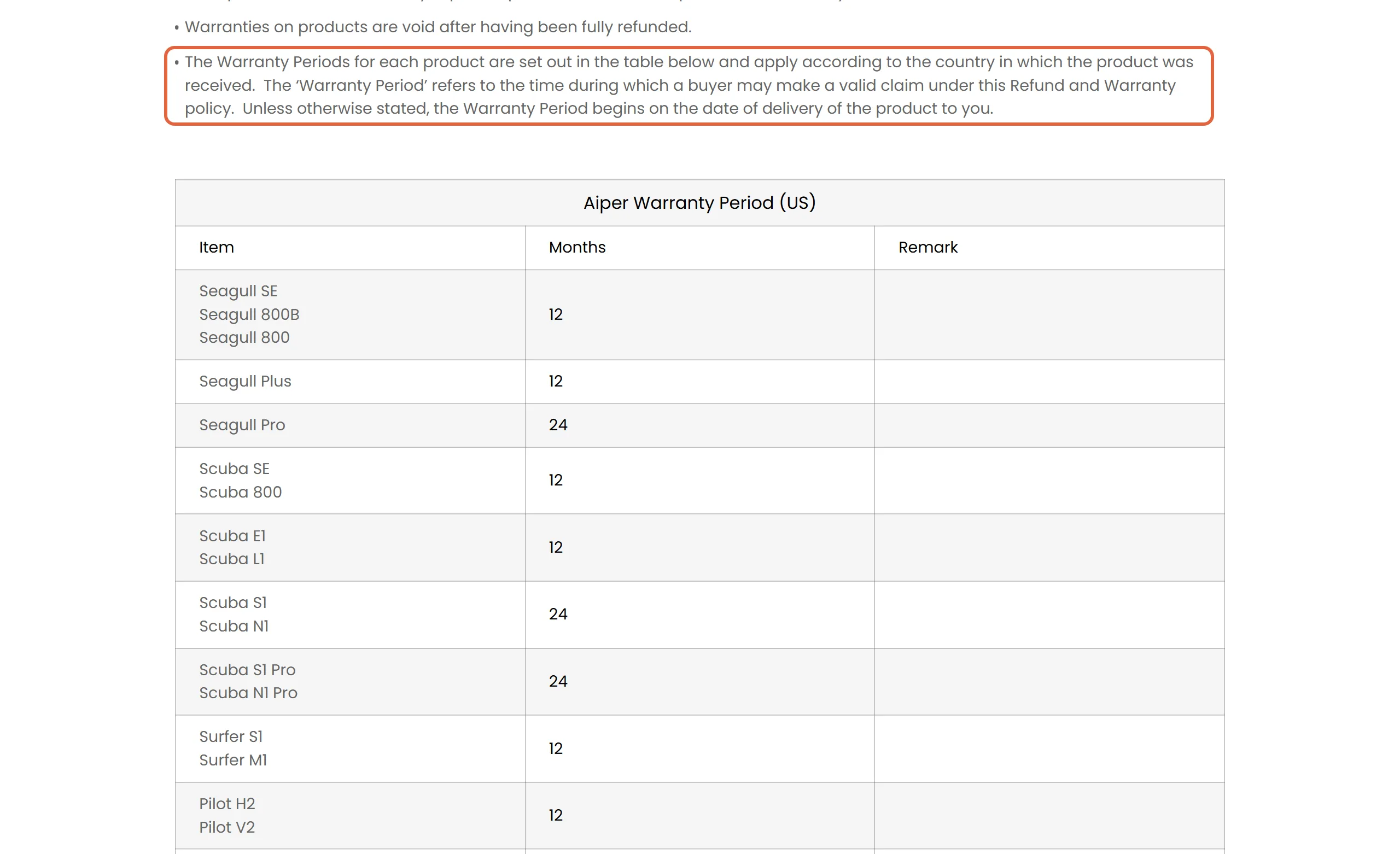
Aiper's US warranty runs 12, 24 or 36 months by model, counted from delivery. No registration is needed: the warranty claim page says warranties are tracked automatically.
- Check your term in the refund and warranty policy, updated April 16, 2026: 36 months for the X1 Pro Max, 24 for the S1, N1, X1, V3 and Seagull Pro, and 12 for the Scuba SE and Seagull SE. The S3 and V3 Ultra aren't in that table, but their store pages promise 2 and 3 years. Hooks, adapters and docks get 6 months, filters 3.
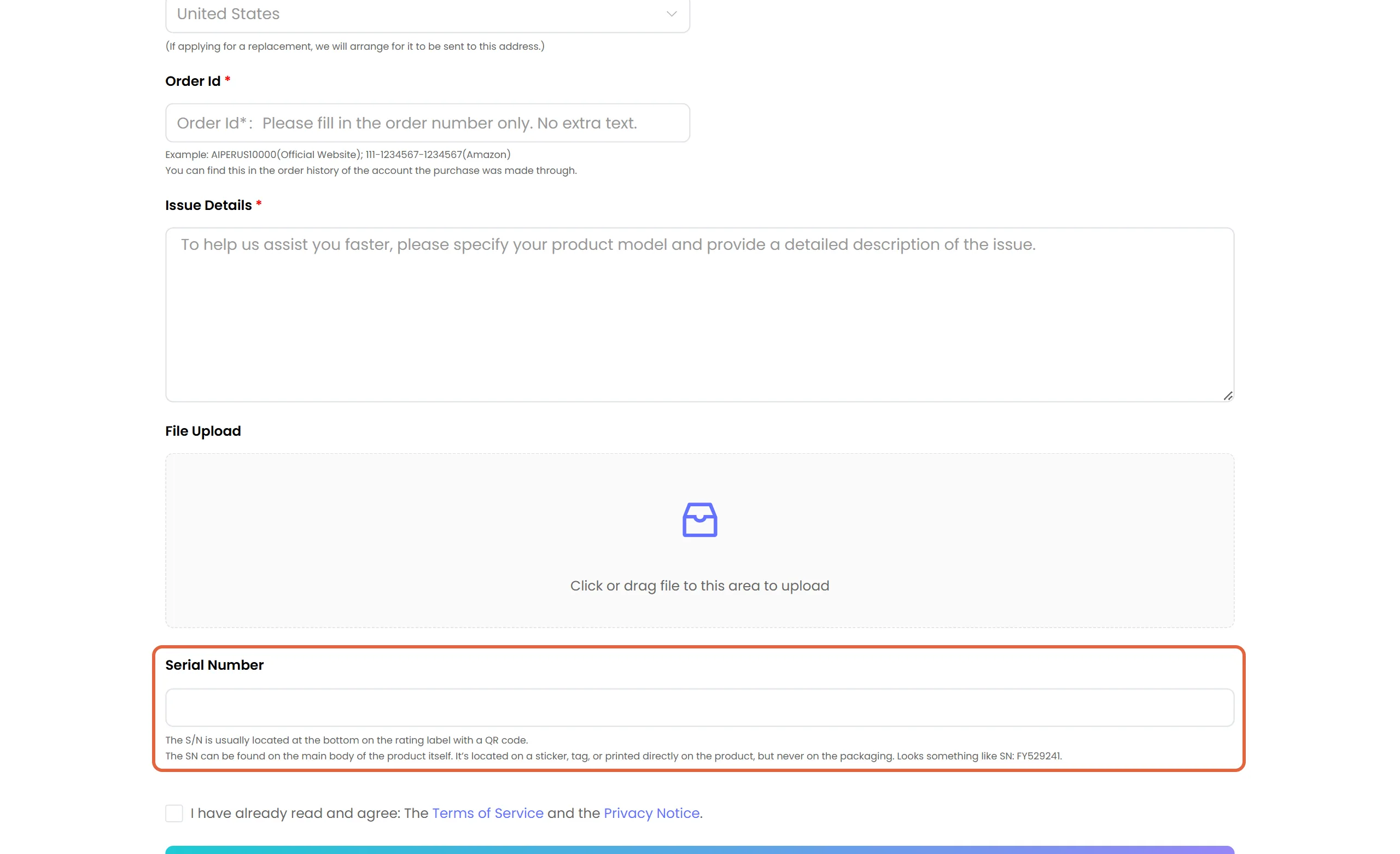
- Find the serial number on the robot's rating label with a QR code, not on the packaging.
- Get the order ID (the form's examples are AIPERUS10000 for Aiper's store and 111-1234567-1234567 for Amazon) and a screenshot, receipt or invoice up to 10 MB. Only Aiper and its authorized sellers are covered.
- Record a short video of the fault, which Aiper's articles ask for.
- Fill in the form: store, model, shipping address and a description of the problem.
Aiper confirms the claim and sends a return label, you email back the tracking number, and after inspection it sends a replacement or a refund. A replacement keeps the original warranty period. If quality control finds the robot working, you pay the shipping. Paid repairs after the warranty go through service@aiper.com.
Common mistakes
Owner complaints repeat a few patterns. Counts are from owner reviews read on October 21–22, 2026.
- Storing it with a flat battery. Five Reddit owners say a Seagull Pro's battery stopped charging or the robot died after one or two seasons (Reddit). Aiper's S3 article says to avoid long storage with an empty battery.
- Expecting it to clear every ladder, step and drain. On Walmart, 26 of 40 mentions of "getting stuck" in 1- and 2-star Scuba SE reviews are about wrinkles, bumps or an uneven floor (Walmart). Eight Walmart reviews say the Scuba N1 struggles on the deep-end slope, swim-outs and steps (Walmart), and 6 owners on Reddit and Trustpilot report the Scuba V3 stuck on the main drain, the slope or a ladder (Reddit).
- Calling a short run a dead battery too soon. Five Walmart reviews say a Scuba SE ran 25–30 minutes on a full charge instead of 90 (Walmart). On the S3, Aiper's runtime article says Max Mode alone cuts runtime by 20–30%, and to contact support only if runtime stays below 50% of spec.
- Dropping it in at the same spot. Twelve Walmart reviews at 3 stars or lower say the N1 repeats the same strip or drives in circles (Walmart). Aiper's fix for the S3 is a new entry point and clean sensors.
What the manual says vs what owners do
Aiper's documents don't always agree, so follow your own model's manual.
- Winter storage. The X1 manual says to store it fully charged and recharge every six months, the N1 manual every two months to 40–60%. Aiper's FAQ only says to take it out and rinse the filters.
- Filter cleaning. The X1 manual says to clean the filter after each use. The S1 cleaning article says every 2–3 cycles.
- When the warranty starts. The policy counts it from delivery. All three manuals say the 24-month warranty covers the battery and motor from the date of purchase.
- Phone number. The policy page lists 1800 497 023, which doesn't match the US number in Aiper's FAQ: +1 (866) 850-0666, Monday to Friday, 9 a.m. to 6 p.m. Eastern.
- Water temperature. The X1 manual allows water up to 104°F (40°C), and the N1 and Seagull Pro manuals list 50–95°F (10–35°C).
Claims don't always end with a working robot. Five Trustpilot owners say a Scuba X1 stopped working or charging within months, some after a replacement too (Trustpilot). Four Reddit owners say a Seagull Pro replacement arrived refurbished (Reddit).
When a replacement makes more sense
A repair stops making sense once the battery is out of warranty and can't be bought. The V3 battery article says V3 batteries aren't sold separately and are replaced only through warranty or repair, while S3 batteries can be ordered through support after the warranty (S3 article). A recalled Seagull Pro ZT6001 is the exception: claim the free Scuba S1 first.
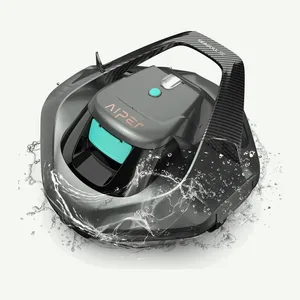
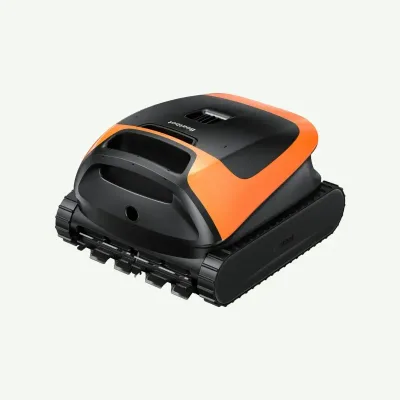
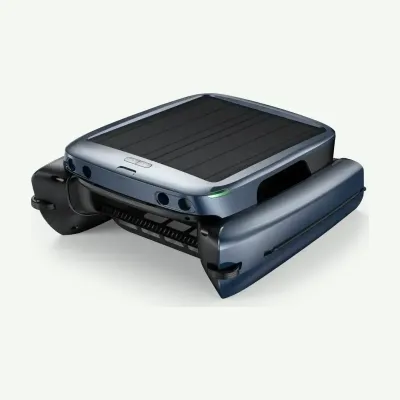
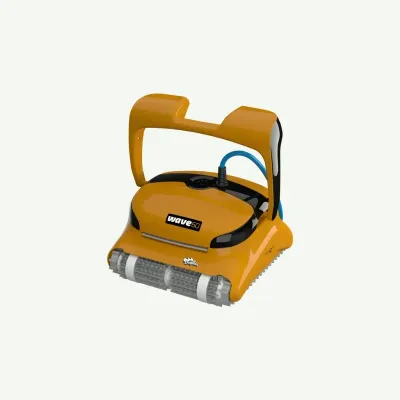
If you're buying again, these Aiper robots are on sale now:
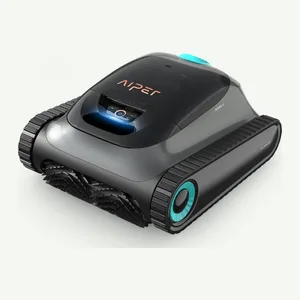
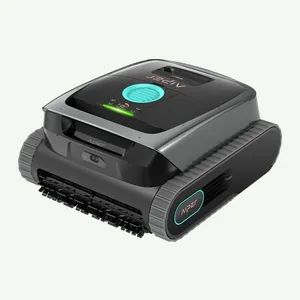
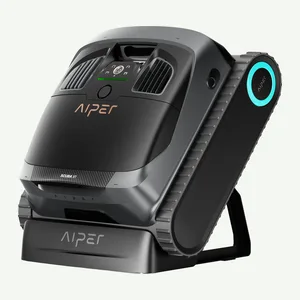
To weigh Aiper against Beatbot, see our Beatbot vs Aiper comparison. Our Aiper review covers the whole lineup, our best robotic pool cleaners list ranks every brand, and our research methods page explains each score.
Questions people ask
What is the Aiper warranty?
How do I file an Aiper warranty claim?
Why is my Aiper pool cleaner not working?
How do I reset my Aiper pool cleaner?
Why is my Aiper flashing red?
Why won't my Aiper charge after winter?
Ready to pick one?
I compare 50 robotic pool cleaners on safety, published specs, price, warranty and returns, and owner reviews. These score highest right now.